You probably own more accessories than you actually use, and some of them quietly waste money, space, and even performance. If you want a cleaner, more efficient setup, it helps to be ruthless about what no longer fits how you use your phone and other devices. Here are 11 accessories you should seriously consider getting rid of, along with what to replace them with instead.
1) Old Lightning-Only iPhone Cables
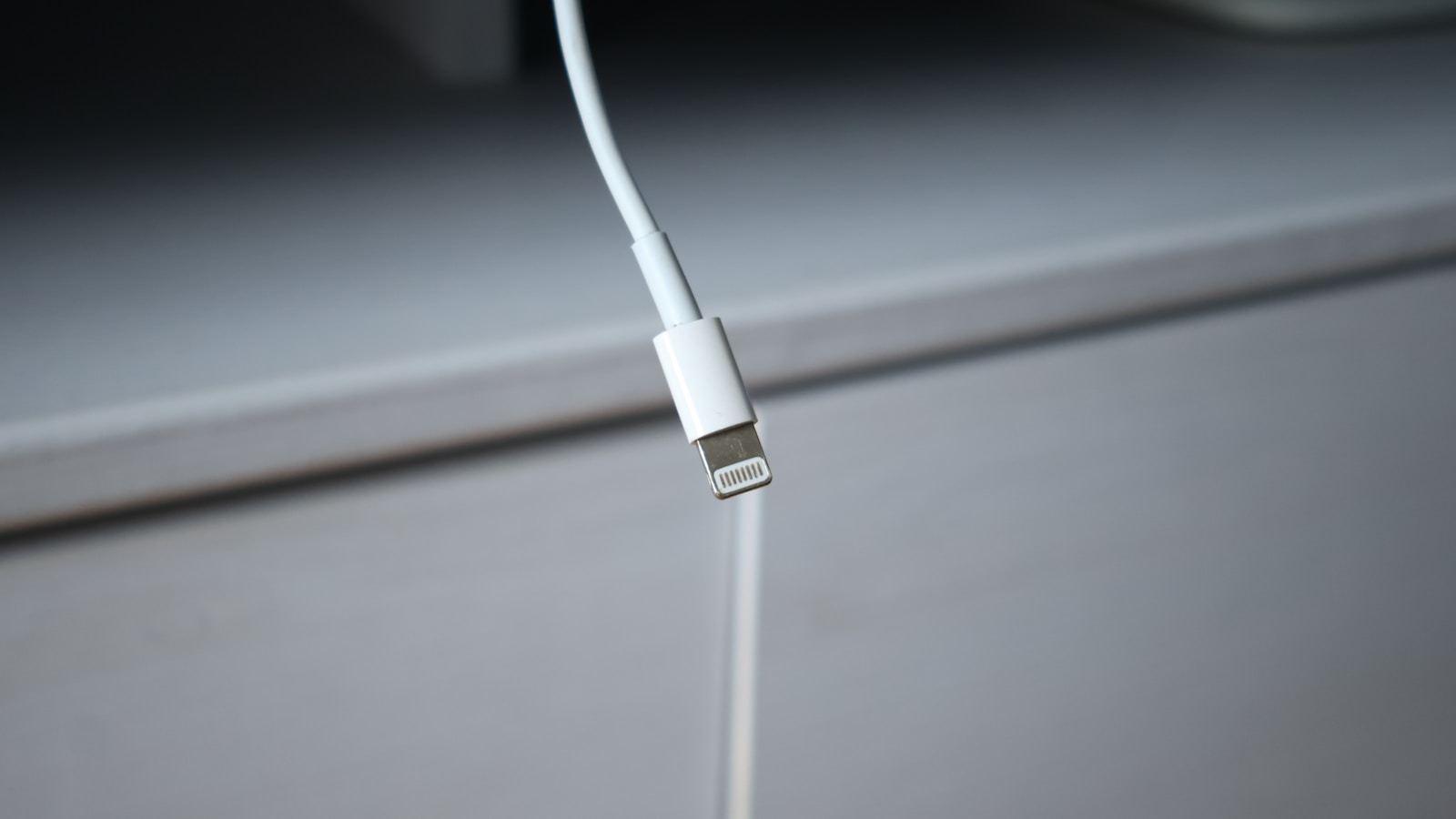
Old Lightning-only iPhone cables are the first accessories you should retire if you are planning to move to newer hardware. Current buying advice for iOS hardware stresses that you should look at models that support modern charging and data standards, and that guidance makes legacy Lightning cables a dead end. When you upgrade, those cords will not work with newer ports, so keeping a drawer full of them just locks you into outdated devices and slower charging.
Instead of clinging to aging cables, start shifting your budget toward accessories that match the charging standards recommended in current iPhone buying guidance. That means prioritizing cables and chargers that will still be useful when you eventually replace your phone. Clearing out Lightning-only cords also reduces clutter and makes it easier to see which accessories actually support the devices you rely on every day.
2) Cheap No-Name Power Bricks
Cheap no-name power bricks are another category you should phase out. Modern phones and tablets are designed around specific power profiles, and generic chargers often fail to deliver stable voltage or appropriate wattage. That mismatch can slow down charging, interrupt it entirely, or in the worst case damage batteries and ports. When you are investing in premium hardware, pairing it with the lowest-cost charger you can find is a false economy that increases risk without offering real long-term savings.
Current recommendations for high-end phones highlight accessories that are tested for safety and performance, which is exactly what many off-brand bricks lack. Replacing those anonymous chargers with a smaller set of certified, higher-quality adapters gives you faster, more predictable charging and fewer random failures. It also simplifies travel and daily use, because you can rely on one or two trusted bricks instead of juggling a pile of questionable ones.
3) Bulky Wallet Cases You Never Fully Use
Bulky wallet cases that try to be both a billfold and a phone protector are easy to outgrow. They add thickness and weight, make wireless charging less reliable, and often do a mediocre job at both protecting your phone and organizing your cards. As phones have become more capable, guidance on accessories has shifted toward lighter, modular options that keep your device safe without turning it into a brick in your pocket or bag.
If you rarely use every slot in that wallet case, it is a sign that the accessory is doing more to slow you down than to help. Moving to a slimmer case and a separate, compact card holder gives you more flexibility and makes it easier to upgrade your phone without replacing an entire all-in-one system. It also aligns better with modern payment habits, where tap-to-pay and digital wallets reduce how many physical cards you actually need to carry.
4) Outdated Wireless Charging Pads
Outdated wireless charging pads that only support older, low-wattage standards are another accessory worth cutting. As phones have adopted faster and more efficient wireless charging, older pads can feel painfully slow, especially if you are topping up in short windows during the day. Some legacy pads also have smaller coils or less precise alignment, which makes charging more finicky and unreliable than it needs to be.
Accessory recommendations for current phones emphasize chargers that match the device’s supported speeds and alignment systems, so clinging to older pads means you are not getting the performance you paid for. Replacing them with a single, modern pad that supports your phone’s optimal wireless charging profile reduces cable clutter while actually saving time. It also helps you standardize on one or two charging spots that work consistently instead of scattering underpowered pads around your home.
5) Clip-On Camera Lenses For Phones
Clip-on camera lenses for phones used to feel like a clever way to expand what your camera could do, but they have largely been overtaken by better built-in hardware. Current phone buying advice highlights multi-lens camera systems, improved sensors, and advanced computational photography, all of which reduce the need for awkward external optics. Those clip-on lenses can also scratch your phone, slip out of alignment, and degrade image quality with distortion or vignetting.
Keeping a bag of novelty lenses around encourages you to fight your phone’s native camera design instead of learning how to get the best results from it. By letting them go, you free up space and mental overhead while focusing on the features your device already offers, such as dedicated telephoto or ultra-wide lenses. That shift usually leads to better, more consistent photos and fewer missed shots caused by fumbling with accessories.
6) Extra-Small Power Banks That Barely Help
Extra-small power banks that only provide a partial recharge are another accessory category that often does more harm than good. They sound convenient, but in practice they add weight to your bag while delivering only a fraction of the capacity you need for a full day. As phones have grown larger batteries and more power-hungry features, guidance on mobile accessories has moved toward higher-capacity, fast-charging banks that can handle multiple top-ups.
If your tiny power bank cannot reliably bring your phone from low battery to a comfortable level, it is not earning its place. Consolidating several weak batteries into one or two well-chosen, higher-capacity units gives you more predictable backup power and fewer cables to manage. It also aligns better with how you actually use your devices, especially if you rely on your phone for navigation, work, or long travel days where running out of power is more than a minor annoyance.
7) Old Car Chargers Without Fast-Charge Support
Old car chargers that lack fast-charge support are easy to overlook, but they are prime candidates for removal. Modern phones are designed to take advantage of higher-wattage charging, especially during short stints in the car. If your adapter only offers minimal output, you may arrive at your destination with barely any more battery than when you started, which defeats the purpose of plugging in at all.
Current accessory recommendations for drivers focus on chargers that match the fast-charging capabilities of newer phones, often with multiple ports for passengers. Upgrading to one of those and discarding your outdated adapters means every minute on the road can meaningfully boost your battery. It also reduces cable chaos in your vehicle, since you can standardize on a single, capable charger instead of juggling a mix of weak, aging units.
8) Drawer-Full Collections Of Old Phone Cases
A drawer full of old phone cases is a classic clutter trap that rarely provides real value. Once you move on from a specific model, those cases become dead weight, since they will not fit newer devices and cannot be repurposed. Buying advice for phones emphasizes choosing the right model for your needs, and that same logic should apply to cases: you only need one or two that actually fit and protect the device you use now.
Holding on to stacks of outdated cases makes it harder to find the accessories that still matter, and it can even tempt you to delay an upgrade because you feel invested in old gear. By recycling or donating what you can and discarding the rest, you reclaim space and simplify your setup. That clarity makes it easier to choose a high-quality case for your current phone instead of cycling through a pile of half-forgotten options.
9) Generic Screen Protectors That Haze Or Peel
Generic screen protectors that haze, peel, or interfere with touch sensitivity are another accessory you should stop tolerating. Modern displays are engineered for clarity and responsiveness, and low-quality protectors can undermine both. They often scratch more easily than the glass they are meant to protect, trap bubbles that never fully disappear, and make gestures feel less precise, which is especially frustrating on larger phones.
Accessory guidance for current devices favors protectors that are specifically designed for each model, with cutouts and coatings that preserve brightness and touch accuracy. If your current protector constantly lifts at the edges or dulls the screen, it is time to remove it and either go without or invest in a better-fitted option. That change improves day-to-day usability and ensures you are actually seeing and feeling the display quality you paid for.
10) Legacy Docking Stations With Old Connectors
Legacy docking stations with old connectors, such as 30-pin or proprietary ports, are prime candidates for decluttering. As phones and tablets have shifted to newer standards, those docks have lost their practical value, even if they still technically power on. Keeping them around often means you are hanging on to outdated devices just to justify the accessory, which runs counter to current advice that encourages choosing phones based on present-day needs and support.
Modern accessory ecosystems favor flexible stands, wireless chargers, and hubs that work across multiple generations of hardware. Retiring old docks and replacing them with a small number of versatile charging or audio solutions makes it easier to upgrade without rethinking your entire setup. It also reduces the tangle of obsolete cables and adapters that tend to accumulate around those older stations.
11) Accessories That Ignore New iPhone 17 Features
Accessories that ignore the capabilities of newer phones, including the iPhone 17 family, are worth phasing out if you plan to upgrade. Current recommendations for iPhone 17 accessories focus on gear that takes advantage of the device’s latest charging, mounting, and protection features. Older cases, chargers, and mounts that do not align with those capabilities will limit what your new phone can do and may even interfere with performance.
By clearing out accessories that are not designed with newer hardware in mind, you create room for a smaller, smarter kit that actually enhances your next phone. That shift also protects your investment, since you are less likely to damage or underuse a premium device by pairing it with incompatible gear. In practice, it means you carry fewer items, but every one of them works harder for you.
Leave a Reply