The price tag on a smart camera or plug can look like a steal. A name you have never heard of, a cheerful box and a price that is a fraction of the big brands. Plug it in, tap an app and your house is smart. Then the surprises start. Features you thought were included now ask for a monthly fee, the app stops updating, or the company disappears and the gadget becomes an expensive paperweight.
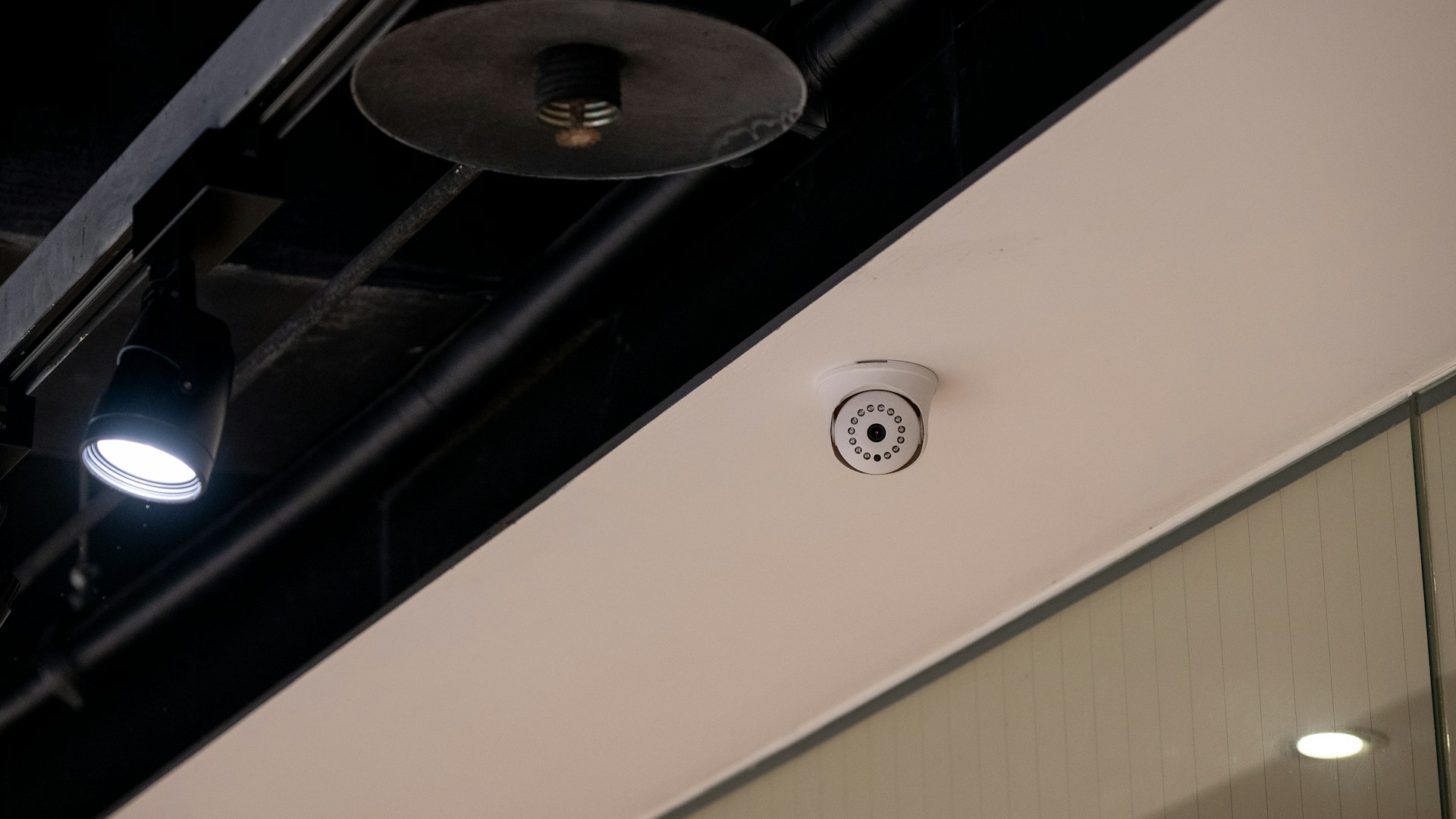
Smart home gear can be great, and it can also be a headache. Here is what to check before you buy and after you plug it in.
Features locked behind a subscription
Many smart cameras and doorbells work on a simple model. The hardware is cheap, and the company makes money from a subscription. Without one, you may get a live view and not much else. Features such as saved video, longer history, person or package alerts and cloud storage can all be tied to a monthly plan. Some products allow local storage on a memory card, and some do not.
Before buying, read the product page carefully and look for the words subscription, plan or cloud storage. Check what the device does without paying, what you get with a paid plan and how much the plan costs. A low upfront price can add up if you need the paid features to make the device useful. Ask yourself what you would do if the company raised its prices.
Products that lose support
Smart devices depend on apps, servers and software updates. If a company stops supporting a product, the app may stop working or stop getting security fixes, and features can disappear. Smaller or newer brands are not necessarily worse, but it pays to look at how long the company has been around, whether it posts regular updates and how it has handled older products.
Read recent reviews, especially those written months after purchase, since early reviews often cover only the unboxing. Look for complaints about the app, connection problems, or support that does not answer. If a device works only through one company’s app, think about what would happen if that app went away. Products that also work with widely supported smart home standards may give you more options later.
Check the fine print and privacy settings
Cameras and smart plugs can collect information about your home and your habits. Look at the privacy policy before you agree, to see what data is collected, where video is stored, who can see it and whether it is shared with other companies. Skim the terms of service for anything about changes to the service or ending support.
Once you have the device, open the settings and go through every option. Turn off features you do not need, such as microphones, sharing, or remote access that you will not use. Think about where you place indoor cameras. Bedrooms and bathrooms are generally a bad idea. If a camera covers a shared space and you have guests, nannies or house cleaners, it is considerate to let them know.
Change the default password
This is the single easiest security step. Many devices ship with a default username and password, and those defaults are commonly known. Anyone who guesses them could get into your camera or your account. Change the password right away, and make it long, unique and different from your other accounts. A password manager can help you keep track.
- Use a strong, unique password for the device account and for your home Wi-Fi.
- Turn on two-step verification if the app offers it.
- Do not reuse a password from your email or bank.
- Remove old devices and accounts you no longer use.
Keep firmware updated
Firmware is the software that runs the device itself. Manufacturers release updates to fix bugs and close security holes. Check the app for update options, turn on automatic updates if offered and install them when prompted. If a device has not received an update in a long time, or the maker says it no longer supports it, think about replacing it, particularly if it is a camera that watches your home.
Keep your router updated too, and use a strong Wi-Fi password. Some people put smart devices on a separate guest network, if their router offers one, so that a problem with a gadget is less likely to reach computers and phones.
A quick checklist before you buy
- What does it do without a subscription?
- What does the paid plan cost, and what does it include?
- Can it store video locally?
- How long has the company been around, and does it update its products?
- What does the privacy policy say about your data?
- Can you return it if it disappoints?
Buying from a store with a good return policy, and keeping the box and receipt for the first few weeks, gives you time to test everything. Smart gadgets can make life easier, but the cheapest option is not always the best deal. Do a little reading before you click buy, change the password the moment you plug it in and keep the software current. That way, your smart home stays smart and not a source of surprises.
More Stories You May Like
- Gardening Fix After an HOA Violation Shows How One Homeowner Solved It Without Paying a Fine
- Real Estate Agent Warns Buyers to Assume Cameras and Microphones Are Capturing Their Every Word the Moment They Step Out of the Car at a Showing, and Explains What Not to Say
- Homeowner Cleaning Out The Basement Notices A Damp Spot, Pulls Off A Section Of Wall, And Finds A Hidden Door Framed In Wood Behind The Block
Leave a Reply